
Integrations · Google Analytics 4
Did more ad spend bring more visitors, and did they buy?
Connect your GA4 property read-only. Moatrics brings in daily sessions, purchases and revenue, puts them beside your ad spend, and works out how many visits turned into sales.
 Google Analytics 4
 Moatrics
analytics.readonly
What Moatrics reads
Three numbers a day, for the whole site
Daily totals for the property you connect. Nothing about individual visitors.
| In Moatrics | From GA4 |
|---|---|
| Website sessions | sessions |
| Purchases | ecommercePurchases |
| Revenue | purchaseRevenue |
| The day | date |
Never touched
- Individual visitors or their devices
- User IDs, IP addresses or locations
- Your property's settings, events or conversions
- Audiences and user lists
What it adds
Traffic, and what it was worth
Ad platforms say who clicked. Analytics says who arrived and what they bought. Together they show whether the spend is bringing people who buy, or just traffic.
- Website sessions on the Overview, with their change against the period before.
- Visits that bought: purchases ÷ sessions.
- Revenue per visit: revenue ÷ sessions.
- Without a store connected, GA4's revenue is the sales source for the whole brand.
Google Analytics 4 · sample property · 30 days
Sessions
84,700
Purchases
1,155
Revenue
₹16.2L
Visits that bought
1.36%
1,155 ÷ 84,700
Revenue per visit
₹19.09
₹16,17,000 ÷ 84,700
Connecting
Sign in with Google, pick the property
- 1
Add account
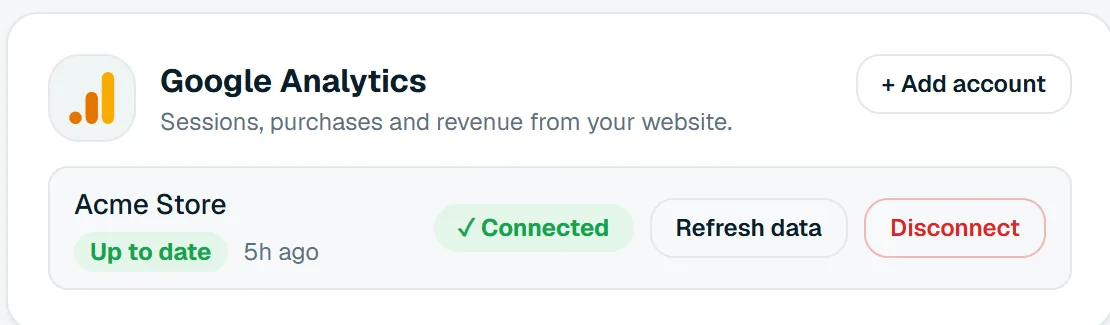
On a brand's Data sources page, press “+ Add account” on Google Analytics.
- 2
Sign in with Google
Use the Google account that can see the property, and allow read-only access to reports.
- 3
Tick the property
Pick this brand's GA4 property. Its numbers come in straight away.
Good to know
How Moatrics handles Analytics numbers
- Numbers refresh every morning, and “Refresh data” fetches the latest whenever you like.
- The last 62 days are read again each morning, so late-processed data is picked up.
- When a store is connected, GA4's purchases stay on their own row and are never added to the store's orders.
- Sessions are left blank, not zero, for platforms that don't report them.
Questions
About the Google Analytics connection


Bring your brands into one dashboard
Moatrics is in early access for brands and agencies. Tell us how many brands you run and which platforms you use, and we'll set you up.