
Product · Alerts
Hear about a problem the morning after, not at month-end
Ads that spend without selling, a cost per purchase that jumps, purchases that fall off. Moatrics checks every morning and tells your team in the bell, by email and on Slack.
Three kinds
The alerts that catch real problems
Each one watches Meta Ads and Google Ads together, or either on its own.
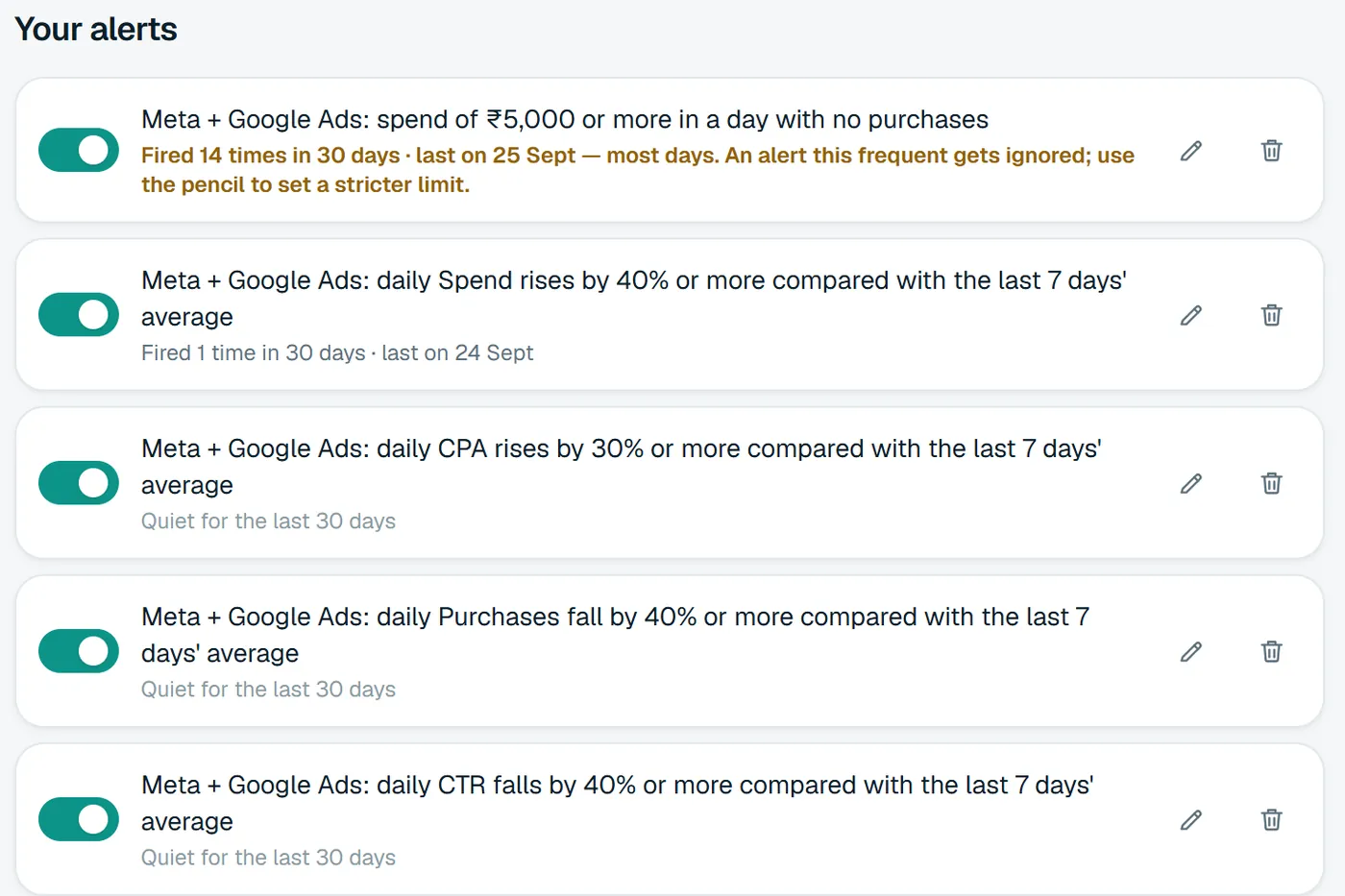
Money spent, nothing bought
A day your ads spent at least the amount you set and got no purchases at all.
For example₹5,000 or more in a day with no purchases
A sudden change from the usual
A number rises or falls by your percentage against the average of the 7 days before. It stays quiet on tiny numbers, where a big percentage is just chance.
For exampleCPA rises by 30% or more
A number crosses a limit
A number goes above, or below, a limit you set. Useful for hard lines like a maximum cost per purchase.
For exampleCPA above ₹400
Try before you save
See how often it would have rung
Before you save an alert, Moatrics runs it over the last 30 days with the same rules as the morning check. Too noisy and it's ignored; never firing and it's useless. Try it on a sample store:
Sample store · 30 days
It would have fired 3 times in the last 30 days.
Setting one up
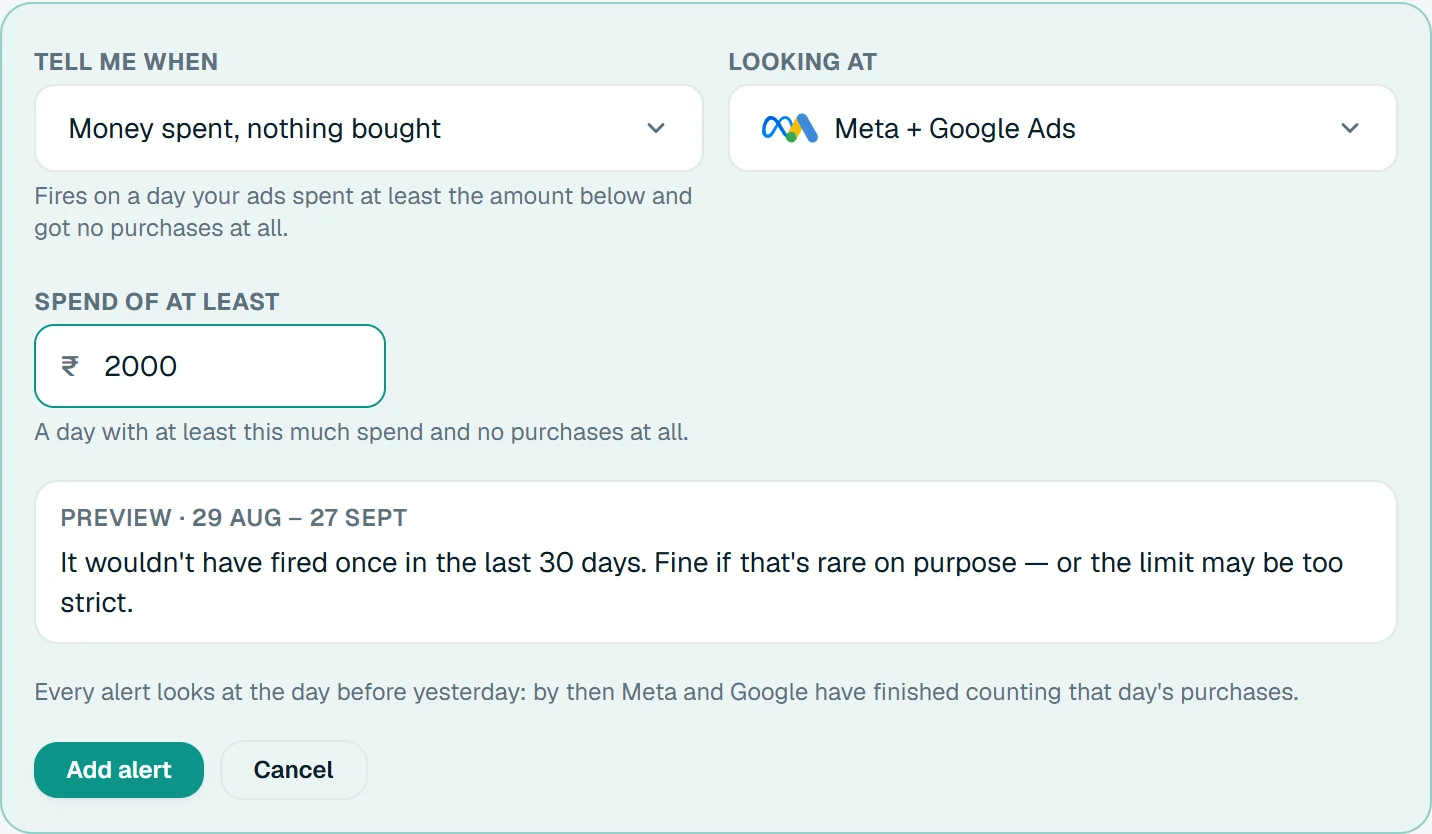
Plain words, not a query builder
Every alert reads as a sentence, like “Meta + Google Ads: spend of ₹5,000 or more in a day with no purchases”, so anyone on the team can tell what it does.
- Tell me when: pick one of the three kinds.
- Looking at: Meta + Google Ads, or one of them.
- The amount, the percentage or the limit, with a preview underneath.
Where they go
The bell, your inbox and Slack
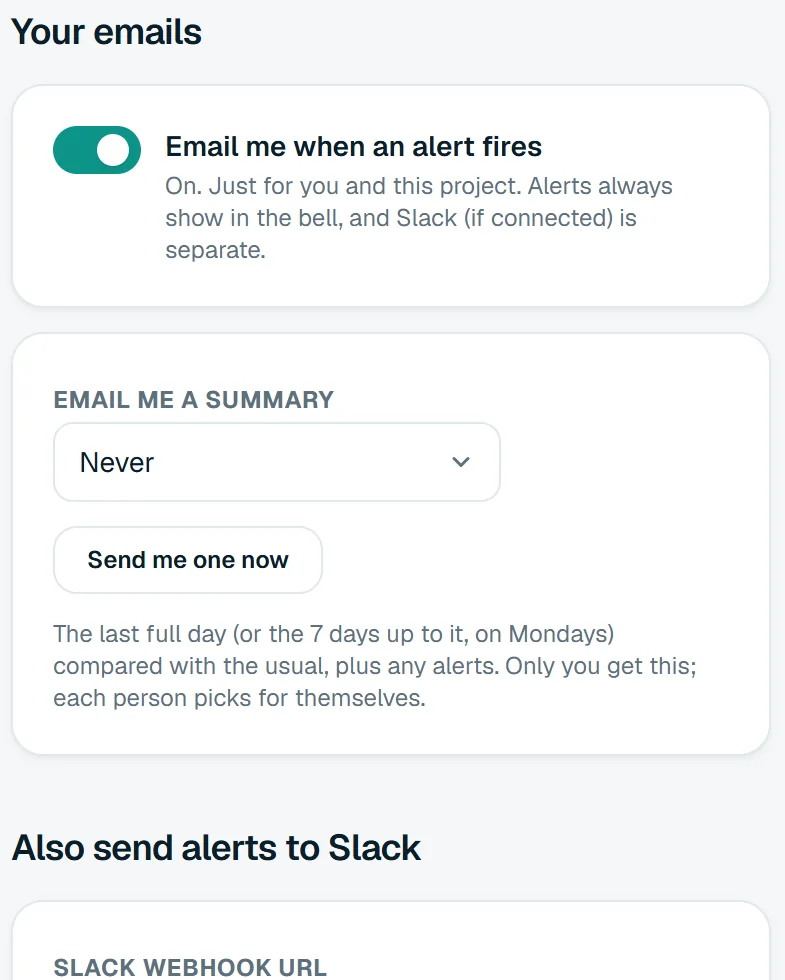
Alerts reach people where they already look, without anyone having to open a dashboard to find out something went wrong.
- The bell: every alert, for the owner, team leads and the brand's project managers.
- Email: each person switches it on or off for themselves, per project.
- Slack: paste a channel's webhook, and alerts post there with a link back.
Stays useful
An alert that rings every day gets ignored
Under every alert, Moatrics shows how often it has actually fired, so a noisy one gets fixed instead of muted.
- How many times each alert fired in the last 30 days, and when it last did.
- More than 10 times is flagged as “most days”.
- The pencil changes the limit in place, with the same 30-day preview.
Questions
About alerts

Bring your brands into one dashboard
Moatrics is in early access for brands and agencies. Tell us how many brands you run and which platforms you use, and we'll set you up.